
Hey guys!
So I recently took some time off to solidify my skills in vanilla Javascript, what that looked like was completing Frontend projects from an awesome site, Frontendmentor.io.
The challenges ranged from beginner to expert and boy was I glad I took it. I’ll be sharing what I learnt alongside some solutions to some interesting tasks I took throughout the course of the challenge.
Let’s dive in to the first one.
This challenge starts out with you going through the design page to have a feel of the design, understand the requirements for the mobile and desktop design. The best part about the challenges on Frontendmentor is the fact that you do not have to use dummy ’lorem ipsum‘text, all text needed for the challenge is provided for in the `index.html` file.
STARTING OUT
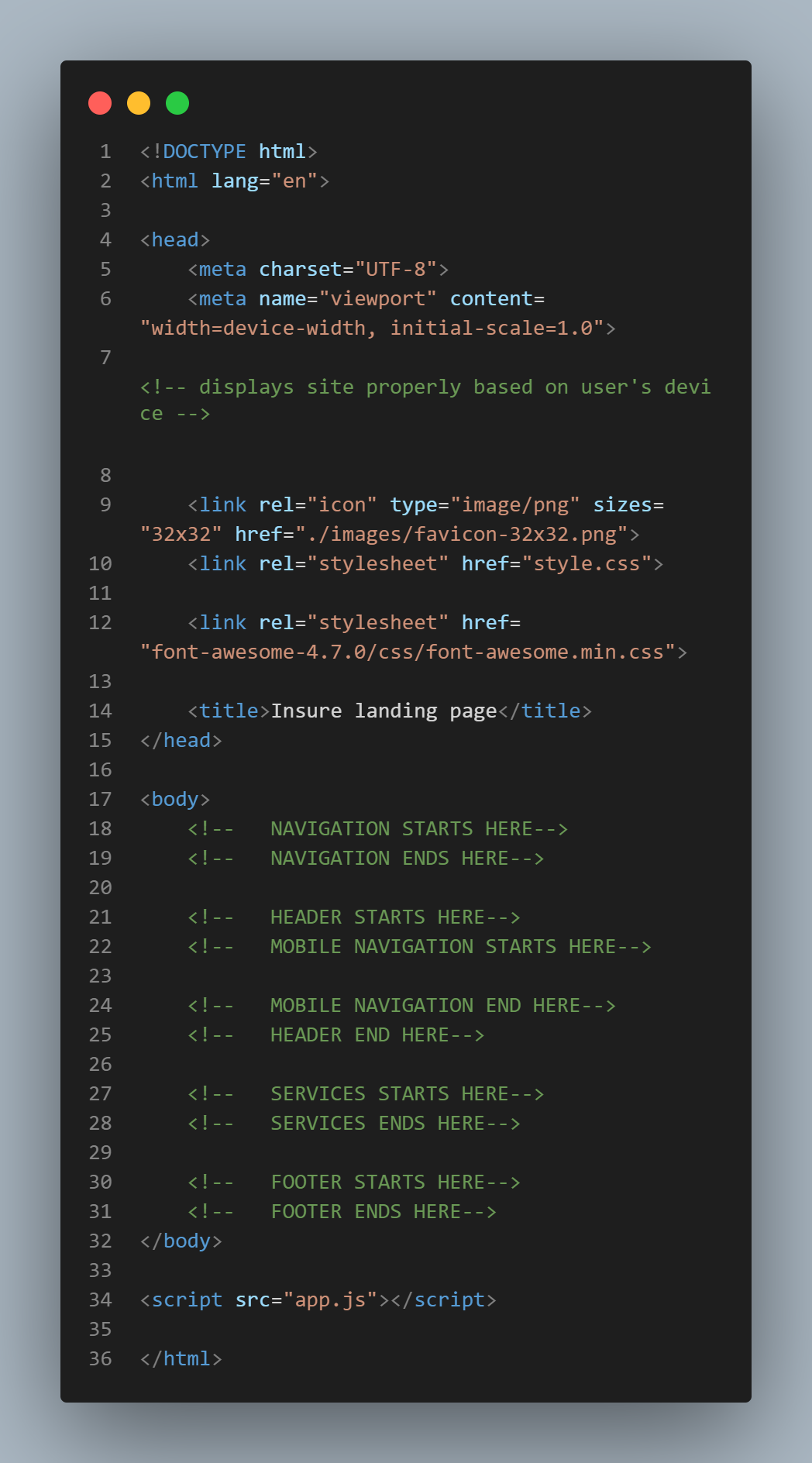
I started this thing where I build out the structure of a page before I type a single line of code, what this helps with is understanding the sections needed, the common class names for assets like buttons and links and most times I build out my comments with this technique.
If you look below, you will see my actual structure sheet for this website, it’s just like building out the skeleton before adding on the flesh (I have a background in architecture, so I just like putting structure to things 😉)

HTML
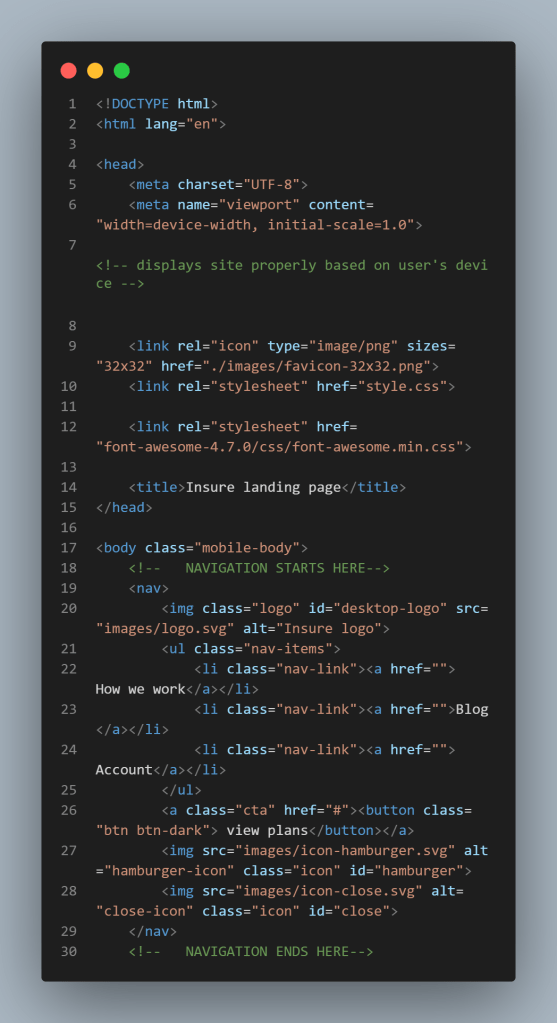
From this structure, I can tell that I need 4 sections to house the main portions of my site, the next thing to consider are my comments. Commenting is important because it makes your code more readable. For each section, I will have main comments and sub comments.
CSS
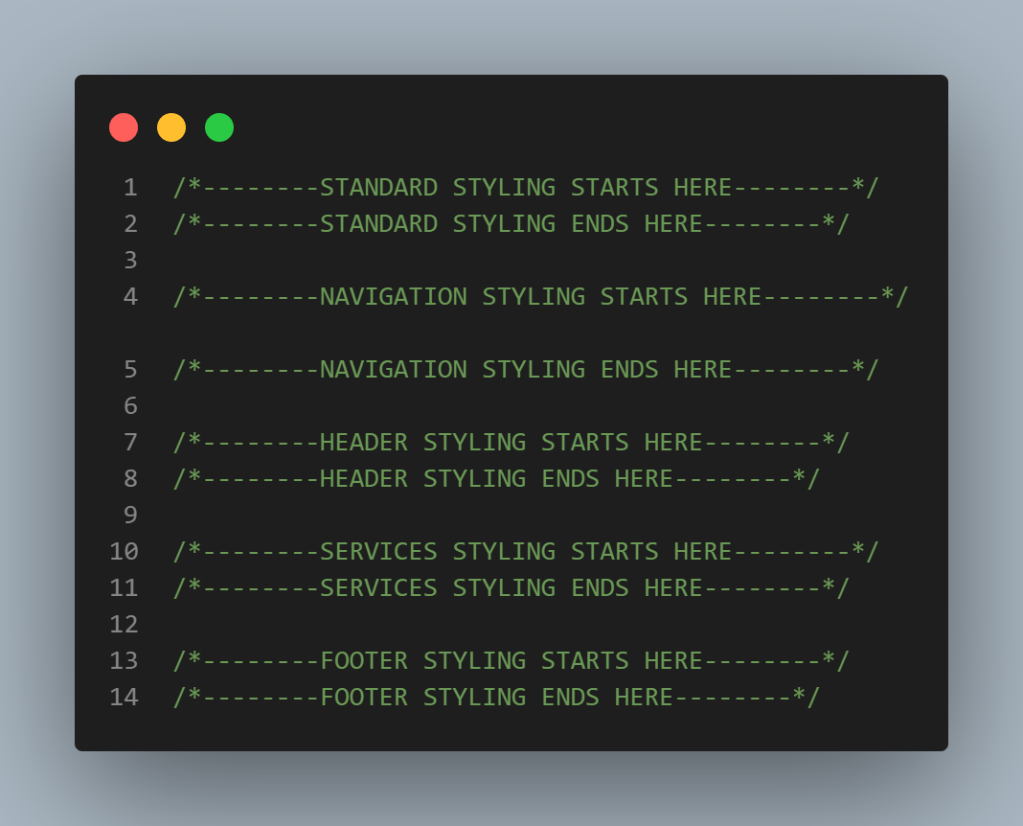
Next up, my CSS. I will use the structure sheet above to create comment blocks for my CSS as well. For this design, we will be following a mobile first approach, to ensure responsiveness and also save time.
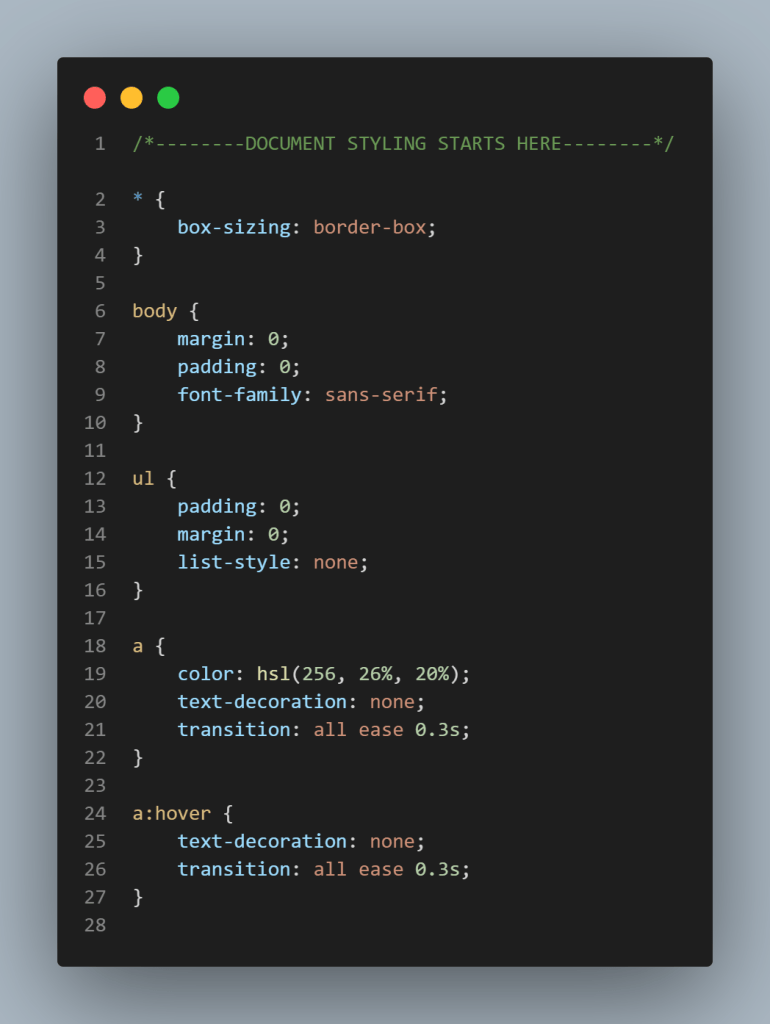
Normally, Bootstrap would be a tool of choice, however, for this project, I wanted to use a CSS Layout tool and so I picked Flexbox. I would advise you understand either of Grid Layout or Flexbox before jumping headfirst into Bootstrap, reason being, it would give you a better understanding of what is happening under the hood when you do get started with Bootstrap.
Javascript
This particular challenge was more layout focused, therefore the only parts of it that needed Javascript was the hamburger navigation menu.
To see the full HTML, CSS and Javascript code, you can click here.
For any questions you might have on this challenge or any other web development challenge, you can drop a comment in the comment box below and I’ll be sure to respond.
Ciao!
🤎🤎🤎🤎🤎🤎🤎🤎

 DevNess